
Scheduling that survives
a Monday morning.
Plan the week across vans, jobs and engineers in views that actually fit how UK contractors work. Resource, day, week, month, timeline — drag, drop, done.
Trusted by 1,500+ UK contractors
From two-person crews to 200-strong firms.














The problem
Still scheduling in WhatsApp?
Lost track of who's where?
Wondering why the wrong van turned up?
Diaries on the kitchen table, pencil amendments, the lads asking what's on tomorrow. The Planner is one shared view — for the office and the van — that updates the moment you publish.
In plain English
What is scheduling software for UK contractors?
Scheduling software lets a contracting business plan, dispatch and track jobs across engineers, vans and customer sites from a single shared view. For UK trades it replaces the wall-mounted diary, the WhatsApp group and the desk planner with one tool that auto-publishes to every engineer's phone. Good scheduling software handles resource and timeline views, drag-and-drop reassignment, recurring maintenance contracts, on-call rotas and holiday cover — and feeds time straight into payroll and the job's cost overview.
Inside the Planner
Five lenses on the same week.
Resource, Day, Week, Month, Timeline
Five views over the same data. See who's free today, plan the month for a customer, or zoom out for a project timeline.
Drag, drop, resize
Move a job to another engineer or another day with your mouse. Resize a block to extend it. No forms.
Recurring schedules
Daily, weekly or monthly patterns. Edit a single instance, all future instances, or the whole series.
On call, callout, subsistence
Mark engineers on call with a distinct icon. Flag callout, national or international subsistence on any schedule.
Holidays inline
Approved time off shows up in every view so you can't double-book a fitter who's on a beach in Benidorm.
Draft and publish
Plan the week in private, then publish in one click. Everyone's phone updates instantly.
How it works
Pick. Drop.
Publish.
01
Pick the view
Open Resource for who's free today, Week to plan around a customer, Timeline to lay out a project across months.
02
Drop the work in
Drag a job onto an engineer and a time. Resize the block to match. Drag again to reassign. Save nothing — every move is instant.
03
Publish
Click Publish. Every engineer's PaperDrop app updates. Customers get the visit window. You go back to running the jobs.
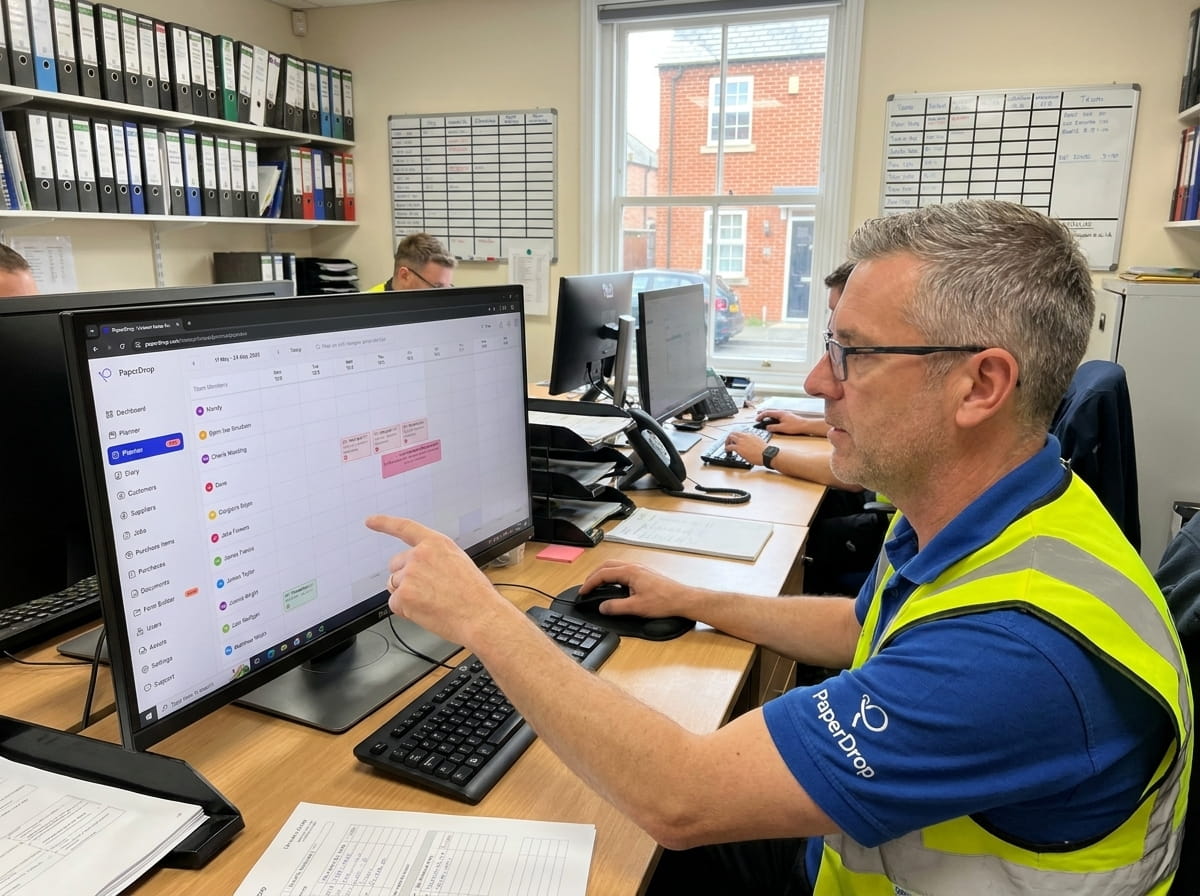
See who's where, at a glance.
Each row is a person, each column a day. Coloured blocks show what's scheduled, what's published, who's on call and who's off. The view a foreman wants on the wall at 7am.
Move it. Copy it. Reassign it.
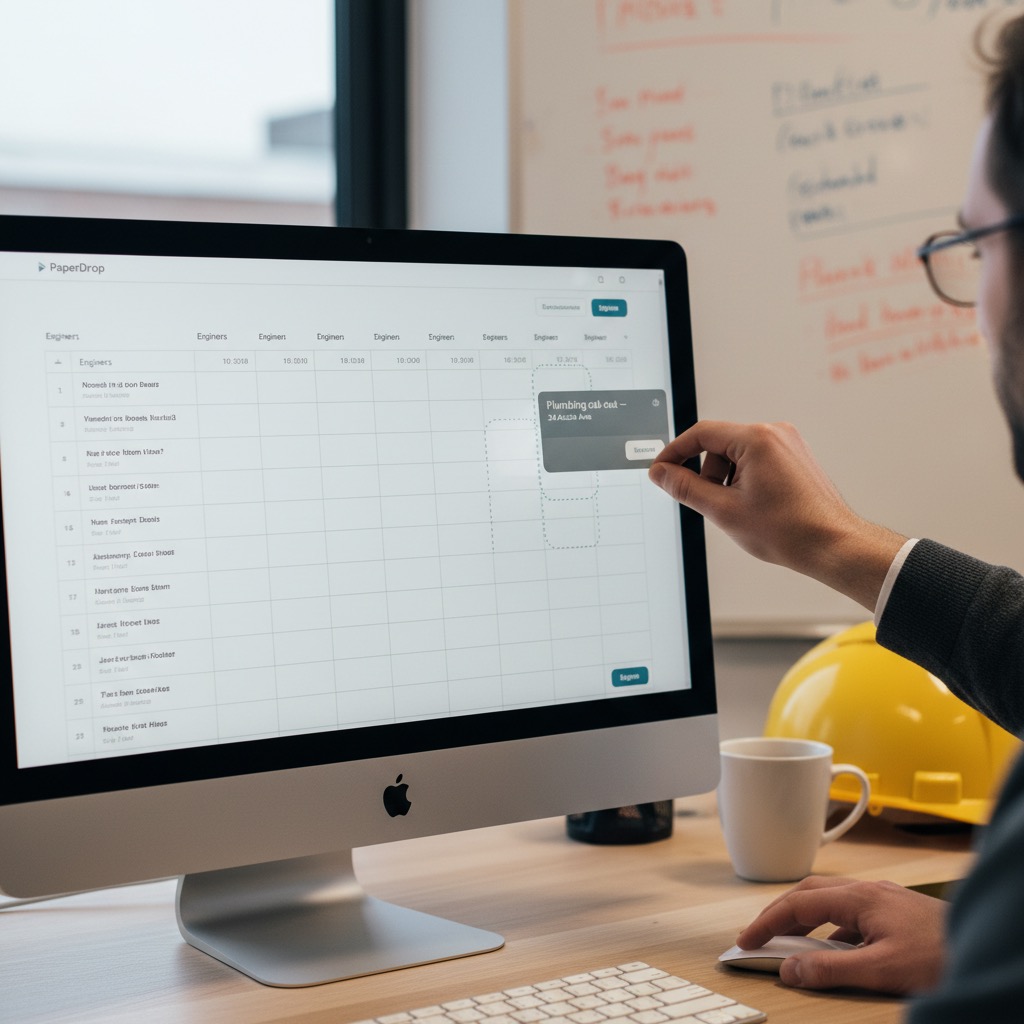
Customer pushed Wednesday's job to Friday? Drag it. Need to send Mike instead of Dave? Drag it across his row. Hold ⌥ to duplicate. No forms, no friction.
Maintenance contracts that book themselves.
Set a job to repeat weekly, fortnightly, monthly — for as long as the contract runs. Edit one instance for the week the customer's on holiday, or update the whole series when the rate changes.

“With PaperDrop, everything is simple and time-saving.”
Stuart Wallace
Temp. Solutions UK
Yes — the Resource view lists every engineer as a row with their week alongside, so you can see the whole team at a glance. You can also filter to just one team, manager or trade.
The Planner itself is built for a desktop or large tablet — that's where most scheduling actually happens. Engineers see their schedules on the PaperDrop mobile app the moment you publish.
Every engineer's mobile app updates instantly with their new day. They get a push notification, and the schedule shows up in their PaperDrop diary alongside any jobs they already had.
Yes. Pick any schedule and set it to repeat daily, weekly or monthly. You can edit a single instance (the week the customer's on holiday), all future instances (the day rate changed), or the whole series.
Yes — drag, drop and resize work in every view. Drag a job to another engineer, drop it onto a different day, or resize the block to extend it. Hold ⌥ to duplicate as you drag.
Approved holidays and unavailability show inline in every view so you can't accidentally book someone who's off. Annual leave looks distinct from a working day — same with on-call cover and sick days.
PaperDrop is the source of truth for your jobs, but you can export schedules as iCal feeds for individual engineers if they want them in their personal calendar.
Pairs well with
Better together.
Job Sheets
The job that gets scheduled is the job your engineer completes on site — same record, no re-typing.
Read moreTimesheets
Schedules feed timesheets. See what was planned vs what actually happened, by engineer and by job.
Read moreRAMS Sign-Off
Attach RAMS to any scheduled job. PaperDrop blocks engineer actions until they're signed.
Read morePencil-and-paper planning.
Bin it.
Try the Planner with your own team — see your week in PaperDrop in under 30 seconds.