
Allocate tasks.
Pay accurately.
Multi-user task allocation, percentage-based progress tracking, and automated piece-rate calculations that flow straight into your wage export.
Trusted by 1,500+ UK contractors
From two-person crews to 200-strong firms.














The problem
Still totting up tickets
on a Sunday night?
Arguing over who did what?
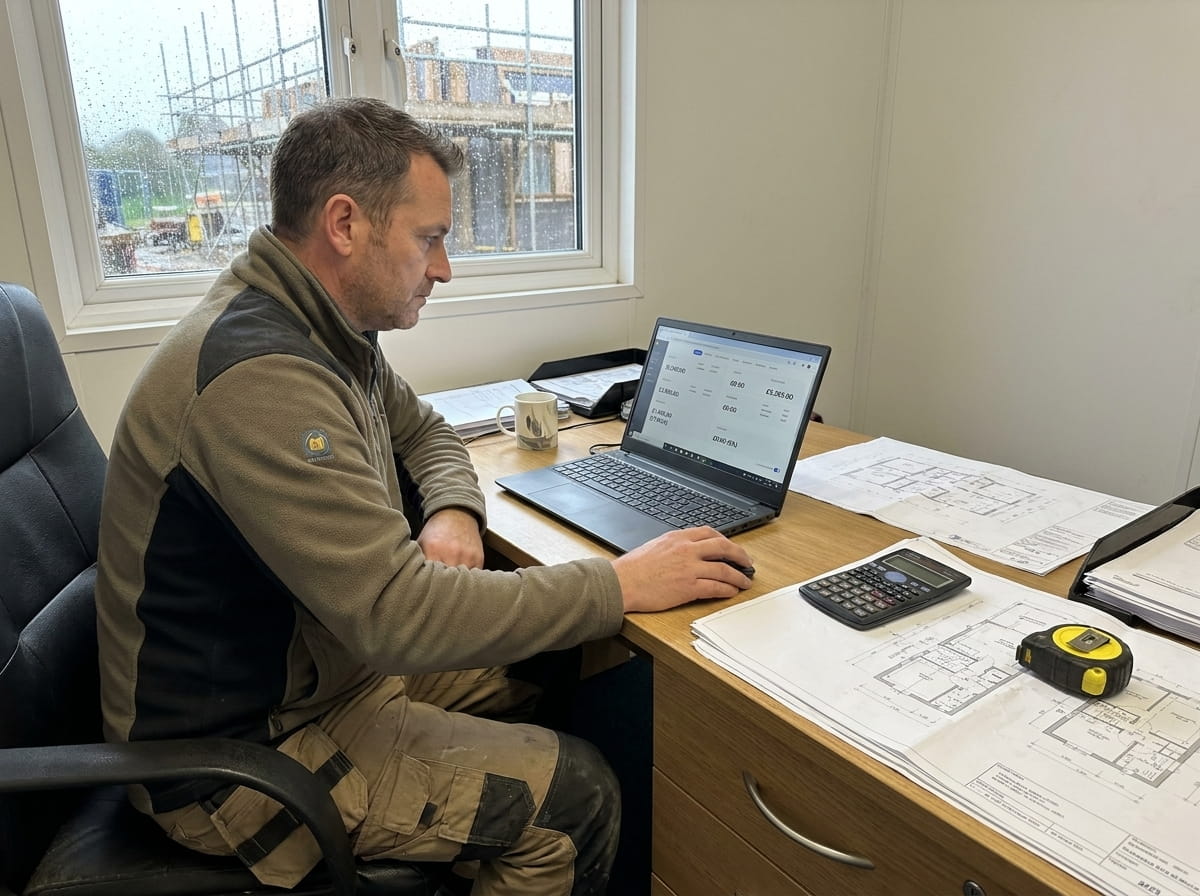
Piece-rate, mixed teams, multi-day jobs — UK CIS payroll is messy. PaperDrop's Price Work allocates tasks across whole teams, tracks who actually completed what, and exports a payroll-ready file. No more spreadsheet maths.
In plain English
What is price work software?
Price work software automates the piece-rate side of UK contractor payroll: allocating a fixed-price task to a whole crew, tracking each worker's percentage completion, and exporting the final per-worker totals into a CIS-compliant CSV for Sage / BrightPay / IRIS. For mixed PAYE and piece-rate teams, it runs alongside hourly timesheets in the same wage calculation. The Sunday-night calculator-and-tickets routine disappears; weekly payroll becomes a one-click export.
What's inside
Piece-rate, sorted.
Multi-user allocation
Assign one task to a whole crew in a single action. No duplicating tasks per person.
Progress as percentage
Move beyond done/not-done. Track tasks as 33% → 66% → 100% as each crew member finishes.
Automated calculations
Set a price-work value per worker per task. PaperDrop totals it into wages automatically.
Per-worker rates
Same task, different rates — for training, premium callouts, skill-based pricing.
Payroll-ready export
CSV with line-item detail, ready for Sage, BrightPay or your CIS bureau.
Configurable workflow
Show workers only their allocated tasks. Automatic or on-demand price-work popups. Division-level controls.
How it works
Allocate.
Complete. Export.
01
Allocate the task
Project manager creates a task, allocates it to the crew, and sets a price-work value per worker (same value or different).
02
Crew completes
Each worker marks their portion done from the mobile app. The task ticks up: 33%, 66%, 100%. Everyone sees live progress.
03
Wages calculated
Open Calculate Wages at week-end. Price-work totals are already there per person. Review, then export to payroll.
One task, the whole crew.
Stop creating five copies of the same task. Allocate 'Strip-out, ground floor' to a five-person crew and track each engineer's completion independently — without the duplicate-task chaos.
Wages that match the work.
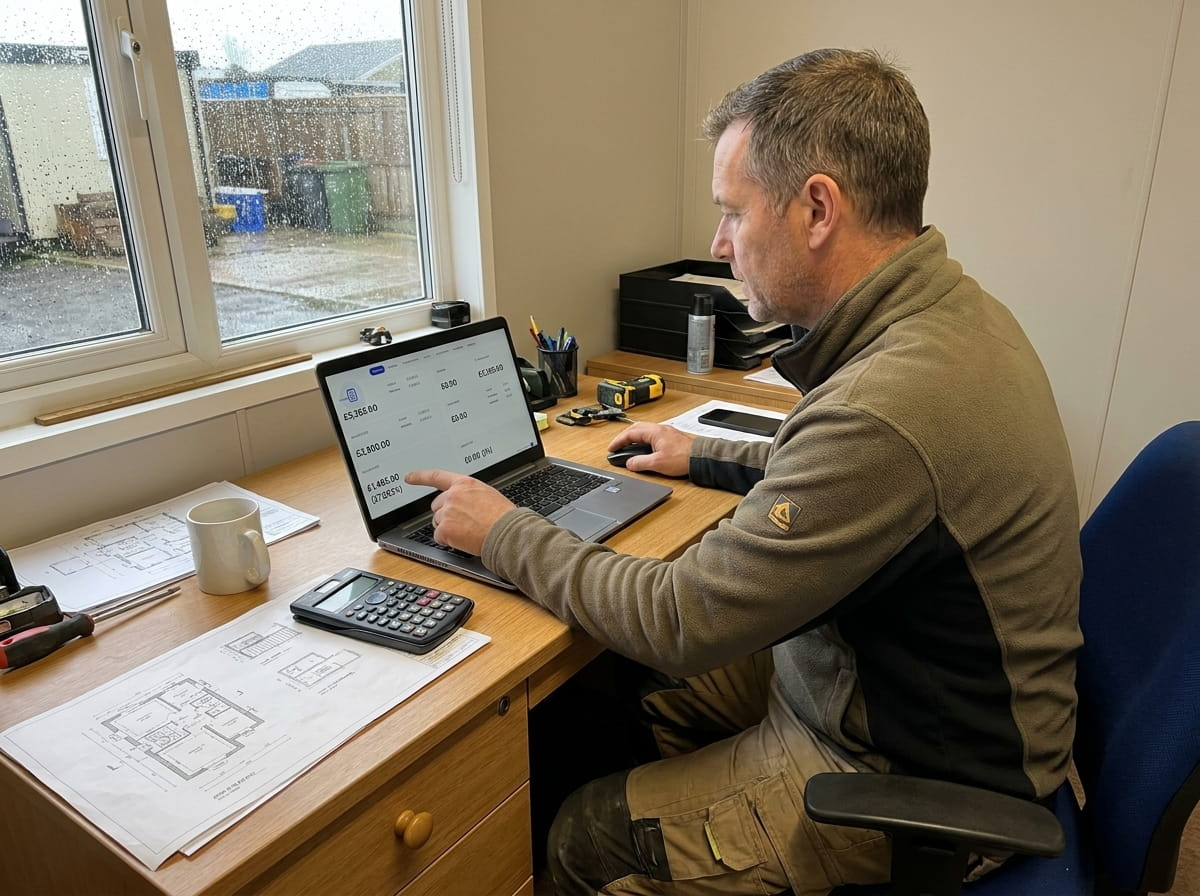
Price-work values per worker per task flow straight into the Calculate Wages workflow. No reconciling tickets against a spreadsheet. No arguments over Friday's pay.
Know where the job stands.
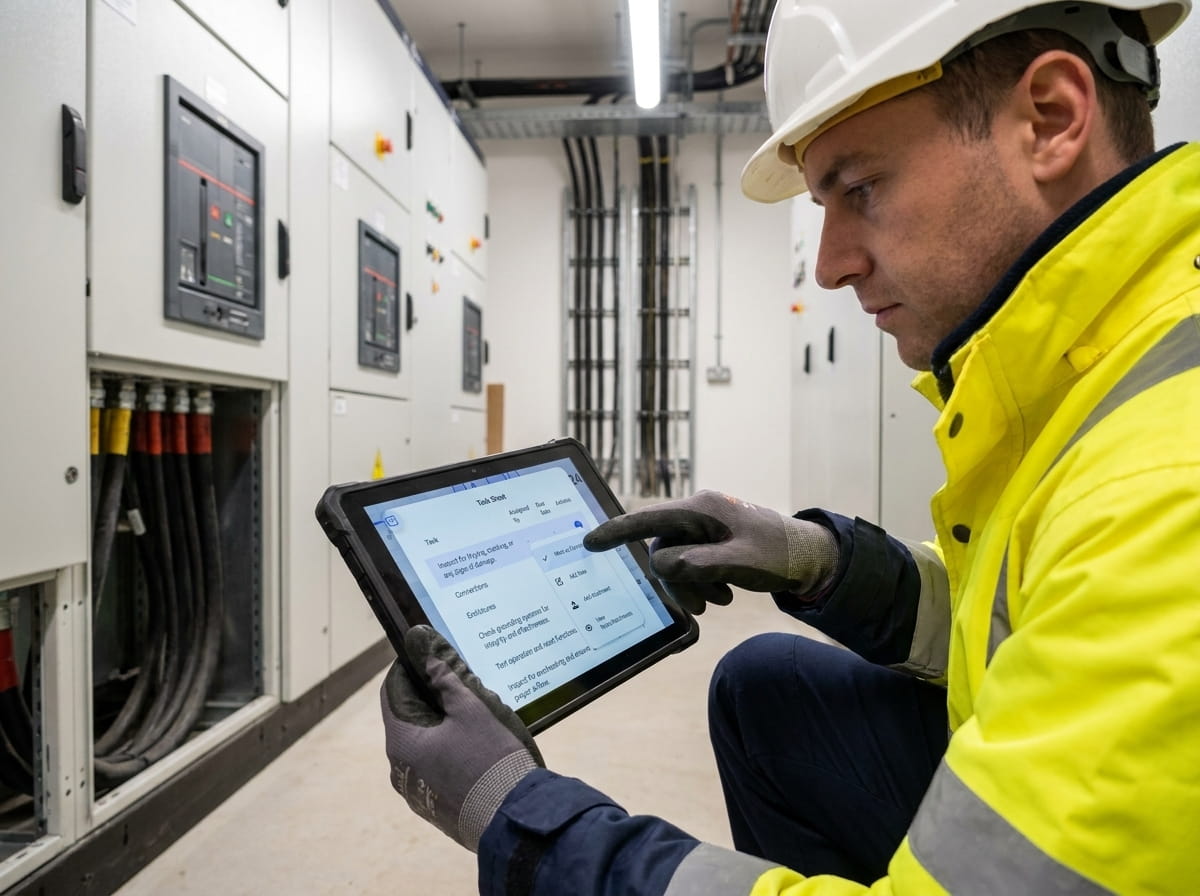
Each percentage tick is a real worker finishing a real piece of the job. Project managers see live completion without ringing round.
“Easy software, brilliant support. Matthew was incredibly helpful through onboarding and has stayed responsive to anything we've needed since.”
Briony
Yes — set a different price-work value per worker on the same allocated task. Useful for training, callout premiums, or skill-based pricing.
When a task is allocated to multiple workers, each worker marking it complete advances the percentage. Five workers on a task means each completion adds 20%, all the way to 100%.
Yes — CSV export with line-item detail. Works with Sage, BrightPay, IRIS and any CIS bureau that takes a CSV. Price-work totals appear per worker, with the source tasks visible.
Yes. PaperDrop handles both in the same Calculate Wages run. Hourly workers get their timesheet totals; piece-rate workers get their price-work totals.
Yes — turn on 'Show Allocated Tasks Only' and each worker sees only the tasks they're on. Useful for large crews or for keeping commercial detail private.
Yes — UK contractors with mixed PAYE and CIS teams are the primary audience. The export format and the per-worker price-work model both fit how CIS schemes work in practice.
Pairs well with
Better together.
Timesheets
Hourly workers feed timesheets; piece-rate workers feed Price Work. Both end up in Calculate Wages.
Read moreJob Costing
Price-work totals land on the job's Financial Overview as labour expenditure — actual cost, not estimated.
Read moreScheduling
Schedule the crew, allocate the piece-work, track who completed what — one flow.
Read moreSunday-night maths.
Done.
See Price Work running with your own crew — takes 30 seconds, no card, no call.