
Your forms,
now smart.
Upload any PDF — commissioning sheets, gas certs, satisfaction surveys — and turn it into a mobile-ready template that auto-fills job data and signs off on site.
Trusted by 1,500+ UK contractors
From two-person crews to 200-strong firms.














The problem
Still printing forms
for every job?
Retyping the same details, twice?
The forms you trust — gas certs, commissioning sheets, satisfaction surveys — don't have to live in a binder. DropForms takes the PDF you already have and makes it digital, auto-filled and audit-ready.
In plain English
What is a digital forms platform for contractors?
A digital forms platform turns the PDFs a contractor already uses — gas certs, commissioning sheets, satisfaction surveys — into smart, mobile-ready templates that auto-fill from the job and capture customer signatures on the phone. For UK contractors that means the same Gas Safe / NICEIC / BAFE forms you already produce, now mobile-first, photographically-evidenced, and synced automatically back to the job record. Filled forms become tamper-evident PDFs ready for compliance review.
What's inside
Forms that
actually work.
Upload any PDF
Drag your existing forms — checklists, certs, surveys — into PaperDrop and they're digital in seconds.
Drag-and-drop builder
Drop in job-data fields, signatures, dropdowns and photo capture without touching a developer.
Auto-fill from the job
Customer name, address, job reference, engineer details — all populated automatically. No retyping.
Sign on site
Engineer and customer signatures captured directly on the device. No printing, no scanning.
Synced to the job
Every completed form lands back on the right job record, timestamped, with the office notified.
Mobile-first
Built for the phone in your engineer's pocket. Completed forms land on the job record straight away.
How it works
Open.
Fill. Sign.
01
Open the job
Engineer opens PaperDrop, picks today's job. The form already knows the customer, the site, the work.
02
Fill it in
Job details are pre-filled. Engineer adds readings, ticks safety checks, captures site photos.
03
Sign and submit
Engineer and customer sign on the device. One tap and the form is saved against the job.
04
Office sees it
Admin gets instant visibility. PDF on the job record, timestamped, audit-ready, never lost.
The forms you already have, made smart.
You don't have to rebuild your forms from scratch. Drop in the PDF your trade body or your customer requires, and PaperDrop wraps it with smart fields and digital signatures.
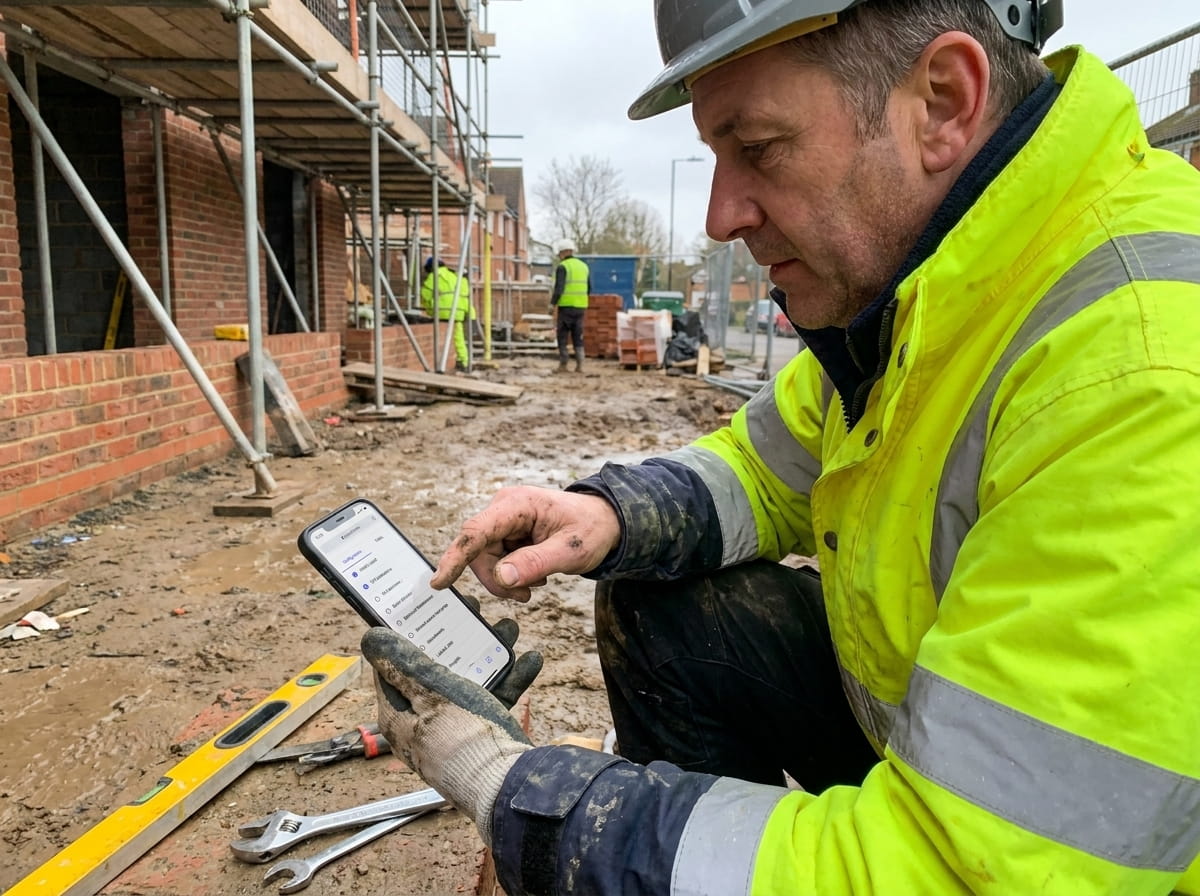
No print, no scan, no chasing.
Engineers and customers sign directly on the phone or tablet — gas certs, satisfaction surveys, hand-over docs. Saved to the job in seconds, ready to send.
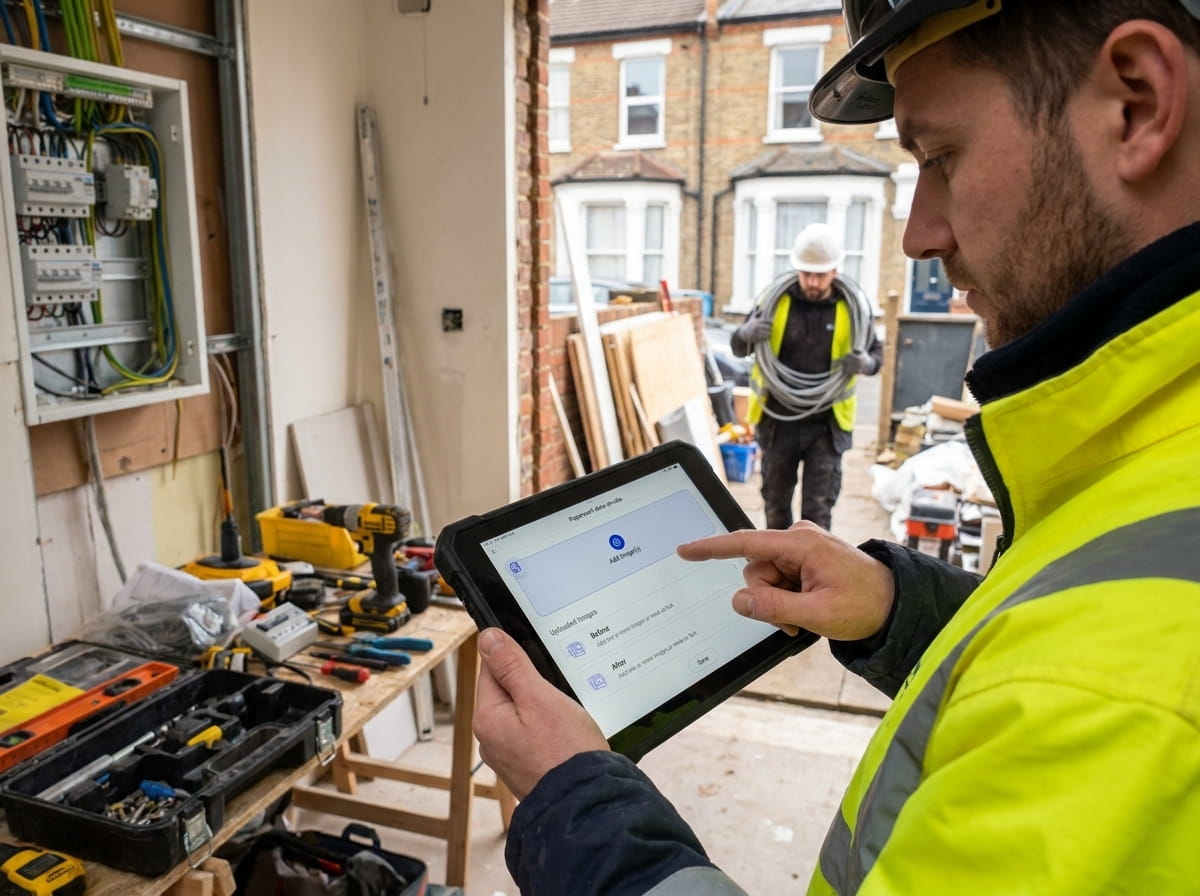
Every form ends up where it belongs.
Completed forms attach automatically to the job they were filled on, timestamped, ready for compliance audits. The office sees them the moment they're submitted.
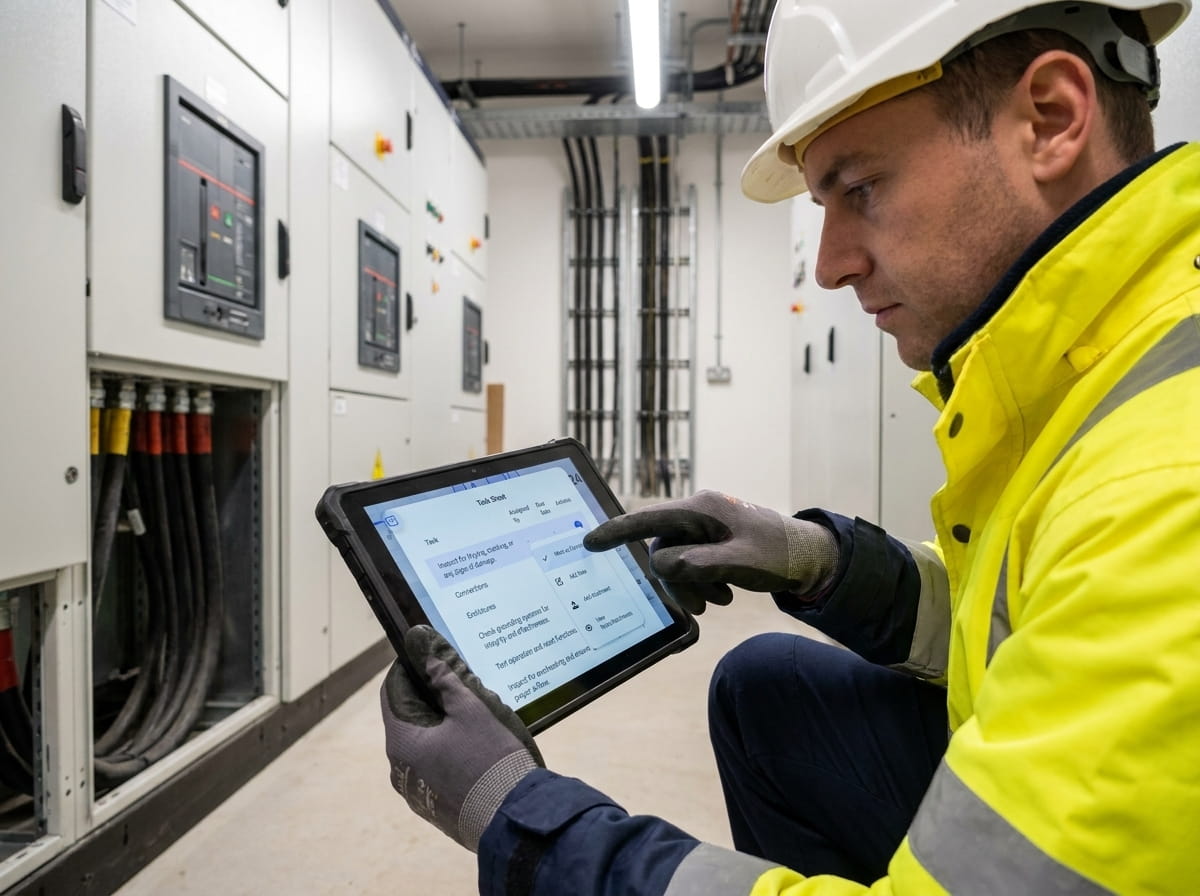
“Easy software, brilliant support. Matthew was incredibly helpful through onboarding and has stayed responsive to anything we've needed since.”
Briony
Yes — that's the whole point. Upload your existing PDF (gas safety cert, commissioning sheet, whatever) and PaperDrop turns it into a smart template you can fill in on the phone. No need to rebuild from scratch.
Yes. Customer name, address, site, job reference, engineer details and any custom fields you've set up on the job all pre-populate. Engineers only enter what's new — readings, checks, photos.
Yes — DropForms captures touch signatures directly on the phone or tablet. The signed PDF saves to the job with a timestamp, location, and a record of who signed.
Forms can include photo fields with min/max counts. Photos attach to the form and to the job, available to the office in real time.
No — forms sync to the job over mobile data or Wi-Fi, and PaperDrop doesn't have an offline mode today.
Every form is a tamper-evident PDF with timestamps, signatures, and an audit trail of who edited what. Suitable for gas, electrical, fire and other UK compliance regimes.
Pairs well with
Better together.
Job Sheets
DropForms attach to the same job sheet that drives the rest of the job — quotes, time, materials, sign-off.
Read moreRAMS Sign-Off
Use DropForms for dynamic risk assessments, and require RAMS sign-off before any work happens.
Read moreScheduling
Schedule the job, dispatch the engineer, capture the form. One flow, end to end.
Read moreBin the clipboard.
Keep the forms.
See your own PDF turned into a smart DropForm — takes 30 seconds, no card, no call.