
Paperwork,
done on site.
Structured job sheets with checklists, photos, signatures and rich-text work completed — captured on the phone in your engineer's pocket, saved to the job in real time.
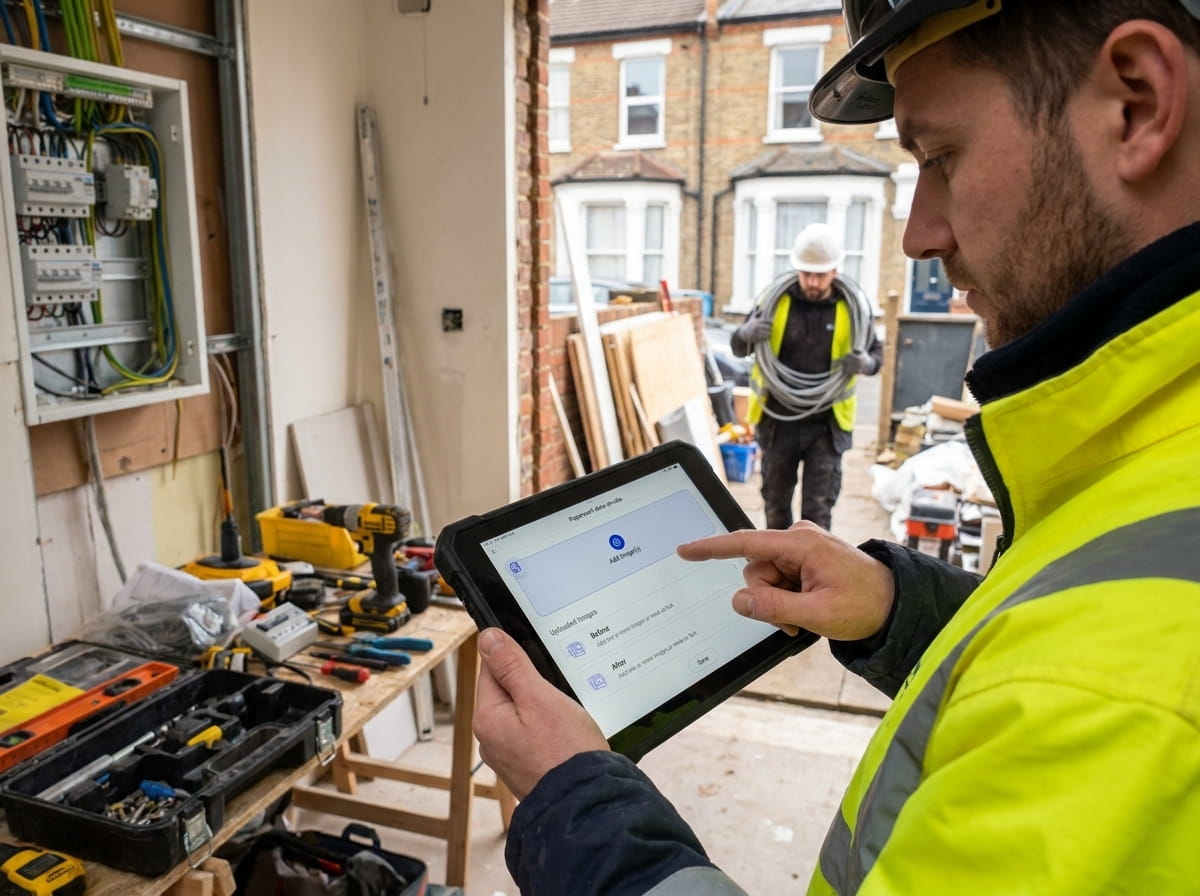
Trusted by 1,500+ UK contractors
From two-person crews to 200-strong firms.














The problem
Still leaving forms
in the back of the van?
Re-typing notes on a Friday afternoon?
Hand-written job sheets get lost, smudged, mis-typed, or live in the cab for three weeks. PaperDrop's mobile job sheets are filled on the phone, signed by the customer on site, and on the job record before the engineer's left the kerb.
In plain English
What is a digital job sheet?
A digital job sheet replaces the paper job ticket your engineer used to carry in the van. On the phone, it shows the customer, the site, the task checklist, the photos to capture and the customer-signature step — and saves the completed sheet straight to the job record. For UK contractors this means no clipboard, no retyping, no lost paperwork, and a tamper-evident audit trail with timestamp and engineer name for every job completed.
What's inside
Built for the back
of the van.
Checklists & tasks
Tick off the work as it happens. Each task captures notes, photos and a completion timestamp.
Photo capture
Before / during / after photos against tasks. Watermarked with date, time and engineer.
Customer sign-off
Touch signature on the phone. Saved with the job, tamper-evident, ready to send.
Auto-resume
Part-completed job sheet? PaperDrop opens it on the next screen needing data. No scrolling.
Rich-text work completed
Bold, underline, bullets and numbered lists in the Work Completed box. Pro-looking reports without the post-typing.
Picks up where you left off
Called away mid-sheet? Reopen it and carry on — ticks, photos and notes are where you left them.
How it works
Open.
Tick. Sign.
01
Open the job
Engineer opens today's job in the app. The sheet is already loaded with the customer, the site and the task list.
02
Tick the work off
Tasks get checked as they're done. Photos attach to the tasks they belong to. Work Completed is captured in rich text.
03
Customer signs
Customer signs on the phone. The signed PDF saves to the job record with timestamp, location and engineer name.
04
Office sees it
Admin gets instant visibility. The completed job sheet is on the customer's record, audit-ready, and ready to invoice.
Every task, every photo, every signature.
Structured tasks the engineer can't skip, photos attached to the right step, and a sign-off at the end. The job sheet that goes back to the customer is the same one that backs your audit trail.
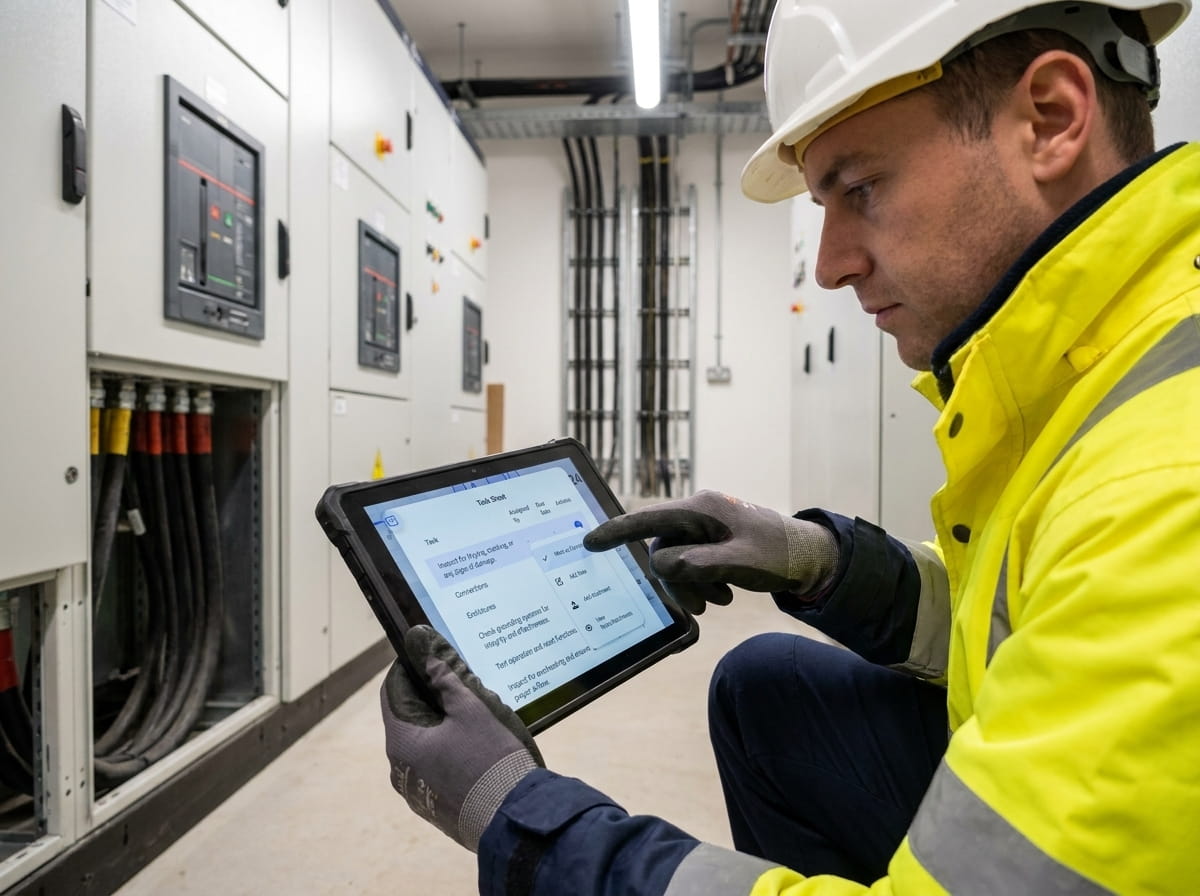
Pick up exactly where the engineer left off.
Got pulled to another job mid-sheet? Open it again and PaperDrop drops you on the first screen that still needs data. No scrolling, no re-checking what you've done.
Reports that read like reports.
Bold the headings, bullet the findings, number the actions — all from a toolbar at the top of the Work Completed box. The PDF that lands with the customer looks like you spent the evening on it. You didn't.
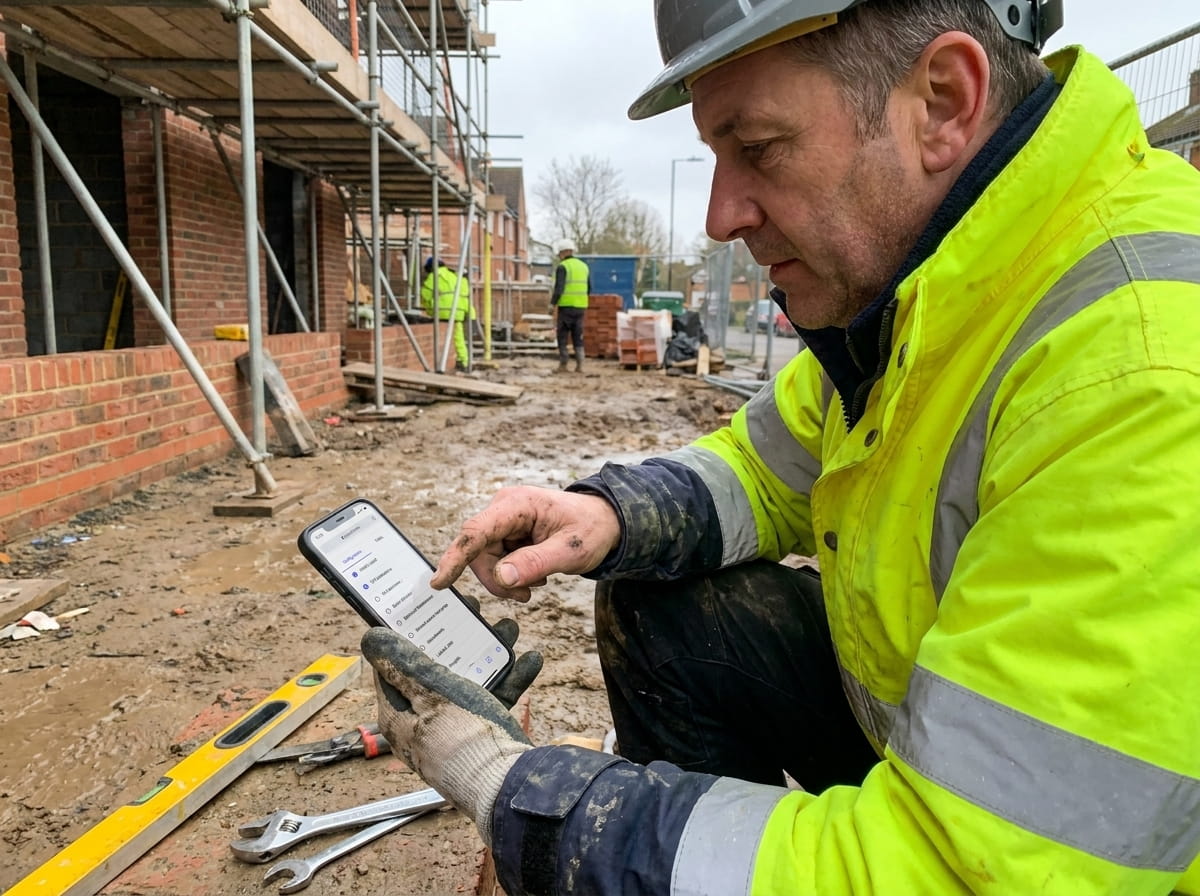
“A great fit for our decorating business. We use it for work allocation, payroll, purchase orders, and tracking costs against quotes for real-time margin analysis. Works well on both small jobs and large projects. Queries get answered quickly and training has been clear for everyone.”
AM
Decorating contractor
Both work. The Job Sheet Wizard is built mobile-first so the workflow is one-handed on a phone, but plenty of teams use tablets when the engineer prefers it.
Yes — Job Templates let you predefine the task list, required photos and any custom fields. Each template fits a job type (boiler install, fire alarm service, etc.).
Yes — each task has its own photo field, so the before/after on the bathroom isn't mixed up with the meter readings from the cellar. Every photo is watermarked with date, time and engineer.
Yes — the app syncs to the job over mobile data or Wi-Fi, and PaperDrop doesn't have an offline mode today. Sheets auto-resume, so an engineer can pick up exactly where they left off.
Yes — branded with your company, with the customer's signature, the engineer's name, timestamps, photos and notes laid out cleanly. Ready to send.
Job Sheets are the standard work-record for every job. DropForms are for compliance documents (gas certs, RAMS, satisfaction surveys) — usually attached to a job in addition to the job sheet.
Pairs well with
Better together.
Scheduling
The job you scheduled is the same job sheet your engineer opens on site.
Read moreRAMS Sign-Off
RAMS sign-off blocks the job sheet until every engineer has read and signed.
Read moreTimesheets
Hours captured on the job sheet flow straight into the engineer's timesheet — no double entry.
Read moreBin the clipboard.
Keep the audit trail.
See your own job sheets on a phone — takes 30 seconds, no card, no call.